6 Best Time Clock Apps for Employees in 2026

New to Fareclock?
Experience the easiest way to manage your workforce with time tracking, payroll, and HR automation.

6 Best Employee Time Clock Apps for Businesses in 2026

Nowadays, businesses and organizations are not just looking for a time and attendance software that is available on desktop or accessible through the web. They’re looking for a solution that offers mobile access so that their employees and workers can clock-in and access their attendance data from their personal devices or from a shared kiosk. This allows both managers and supervisors to review attendance records and access real-time reporting on their phone even if they are out-of-office or are travelling across different job sites.

This explains why most available time tracking and attendance management tools are supported with mobile applications available on both iOS and Android. However, every time clock app is built with different features and functions that are not always identical or similar to the other.

In this article, we look at some of the best time clock apps available for use on the market. We evaluate only the mobile app features available for admin and worker use. This article does not cover the feature set of its corresponding console and dashboard portal that is accessible on a website or desktop.

Note: Product comparisons and opinions presented in this article are only based on our personal research and hands-on testing of their console and app. Our stated assessments reflect only our own informed perspectives and opinions, and are intended to provide an objective evaluation of each product’s features, usability, and overall performance.

Quick Comparison Table of Best Time Clocks

Software Name Fareclock Clockify Buddy Punch Jibble Homebase Toggl Track
Best for Workforce attendance, secure time clocks, and field teams Project time tracking, productivity, and billable hours Employee attendance, scheduling, and payroll preparation GPS attendance, facial verification, and timesheets Hourly teams, employee scheduling, and payroll Freelancers, project teams, and productivity tracking
GPS and geofencing Yes. GPS and geofencing; live tracking on Premium. GPS tracking on paid Pro and Enterprise plans. No native geofencing confirmed. Yes. GPS on punches; geofencing on Pro and above. Yes. GPS tracking and geofencing. Yes. GPS and geofencing, with plan restrictions. No native GPS or geofencing confirmed for the standard mobile app.
Facial recognition Yes. Identity matching, face verification, and liveness detection. No native facial recognition confirmed; kiosk photo capture is available on Pro. Partial. Supported by Apple iOS Face ID. Yes. Facial verification for clock-ins. No native facial recognition confirmed. No native facial recognition confirmed.
Starting price $1.38/user/month with annual billing. $5.49/user/month with annual billing. $4.99/user/month with annual billing. Not disclosed on the website. $24/location/month unlimited employees with annual billing. $9/user/month with annual billing.
1.
2.
3.
4.
5.
6.

What is the Best Time Clock App?

Choosing the best time clock app for your business all comes down to what your team needs, the nature of your operations, and the level of control you need while on the go.

Here’s a quick guide to choosing the right time clock app for your business:

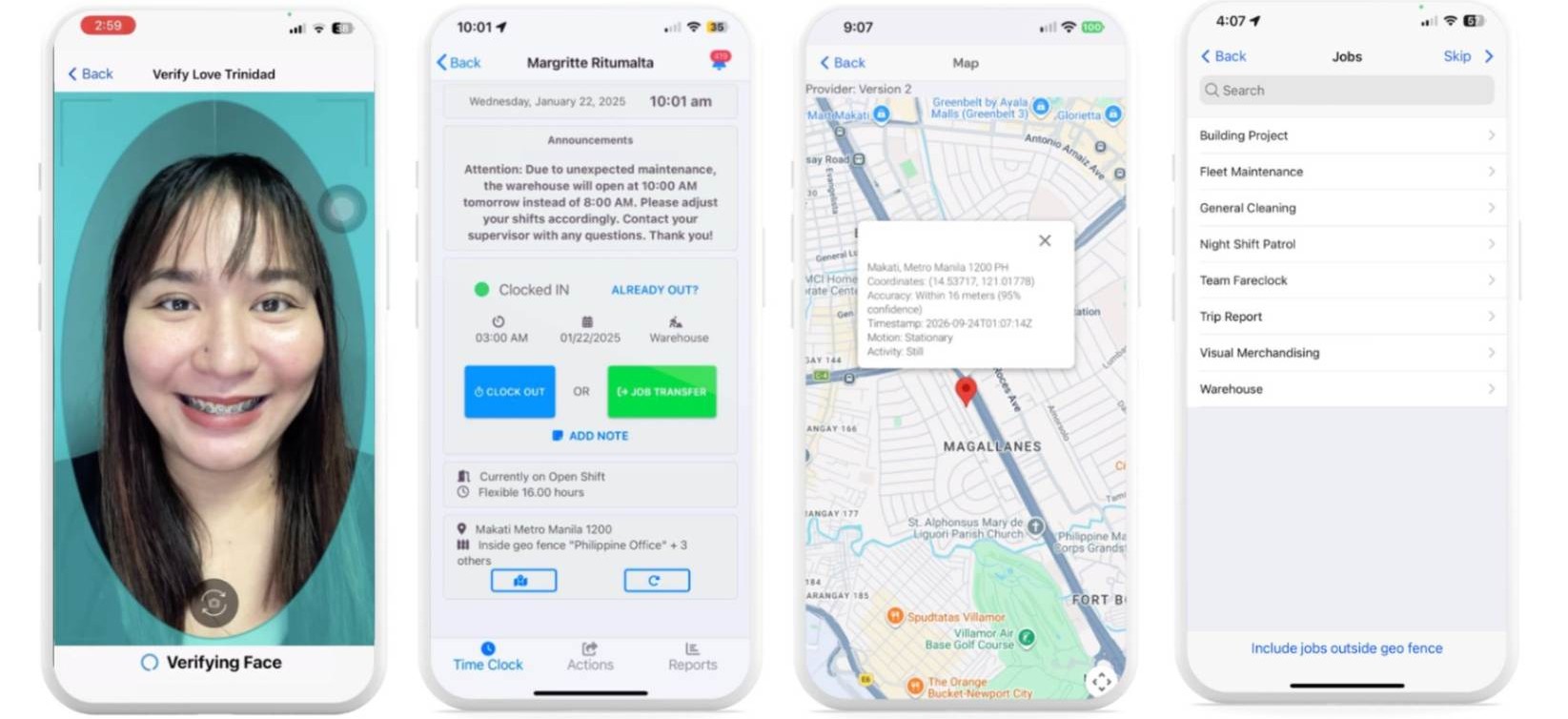
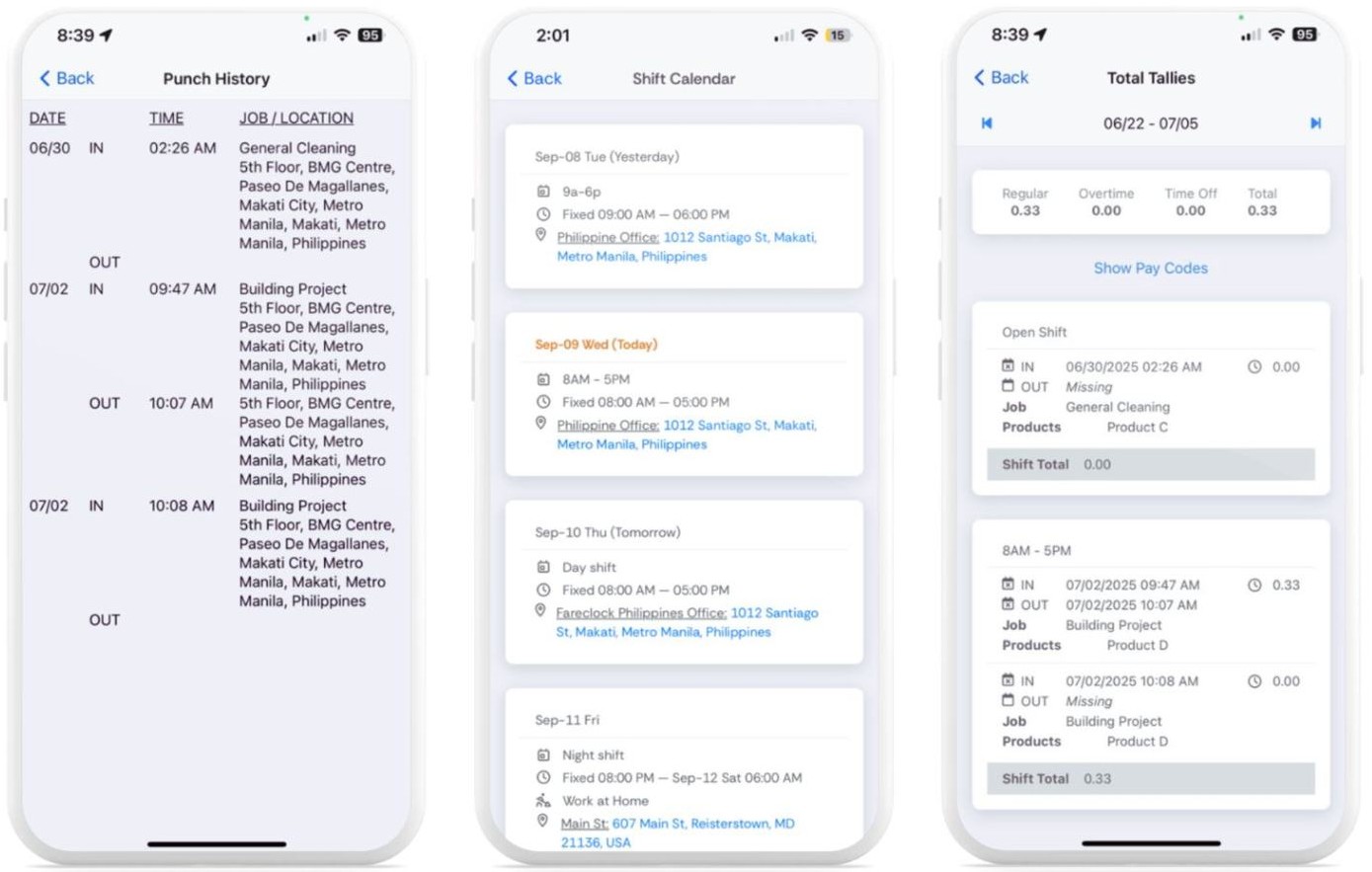
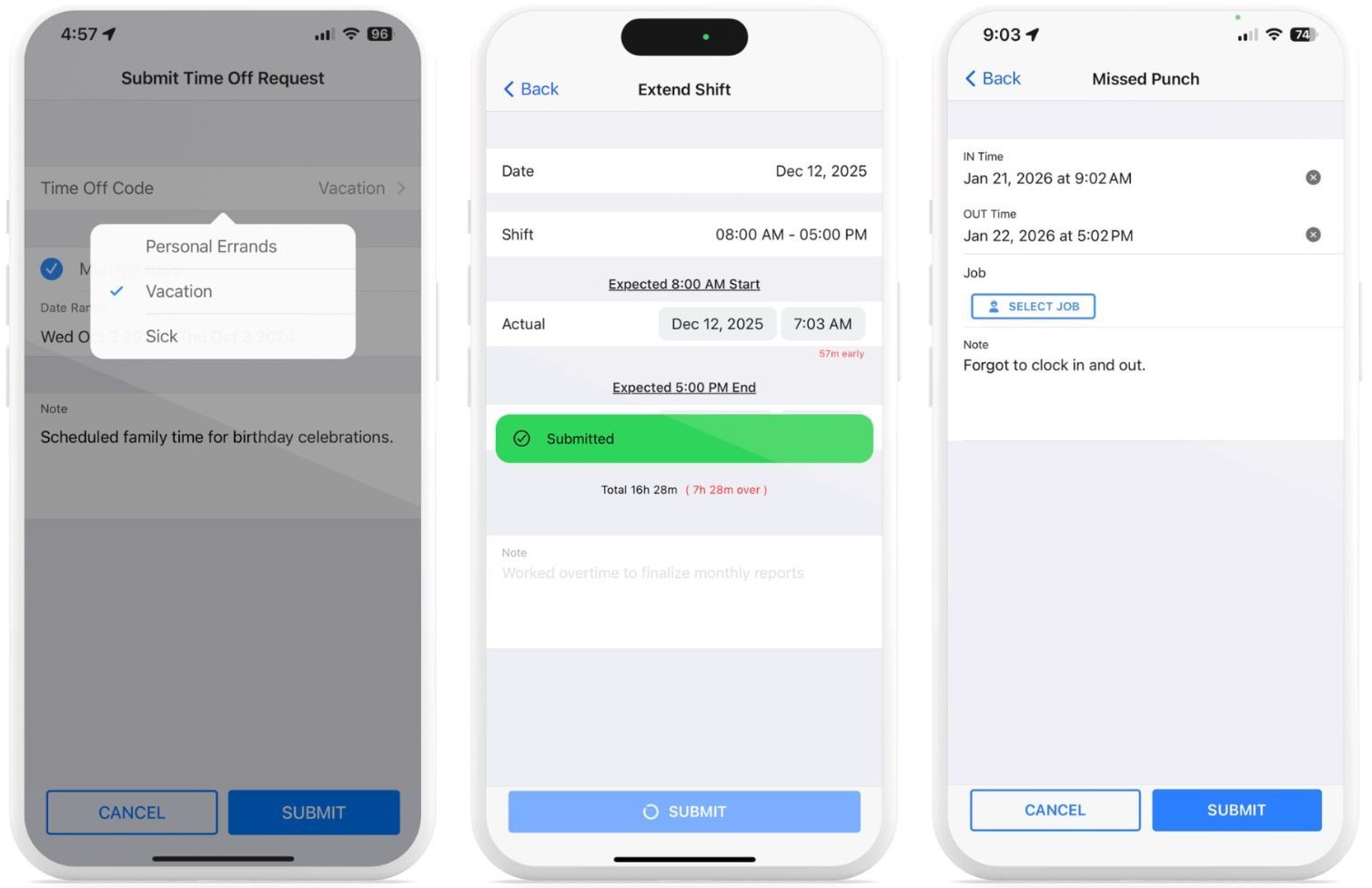
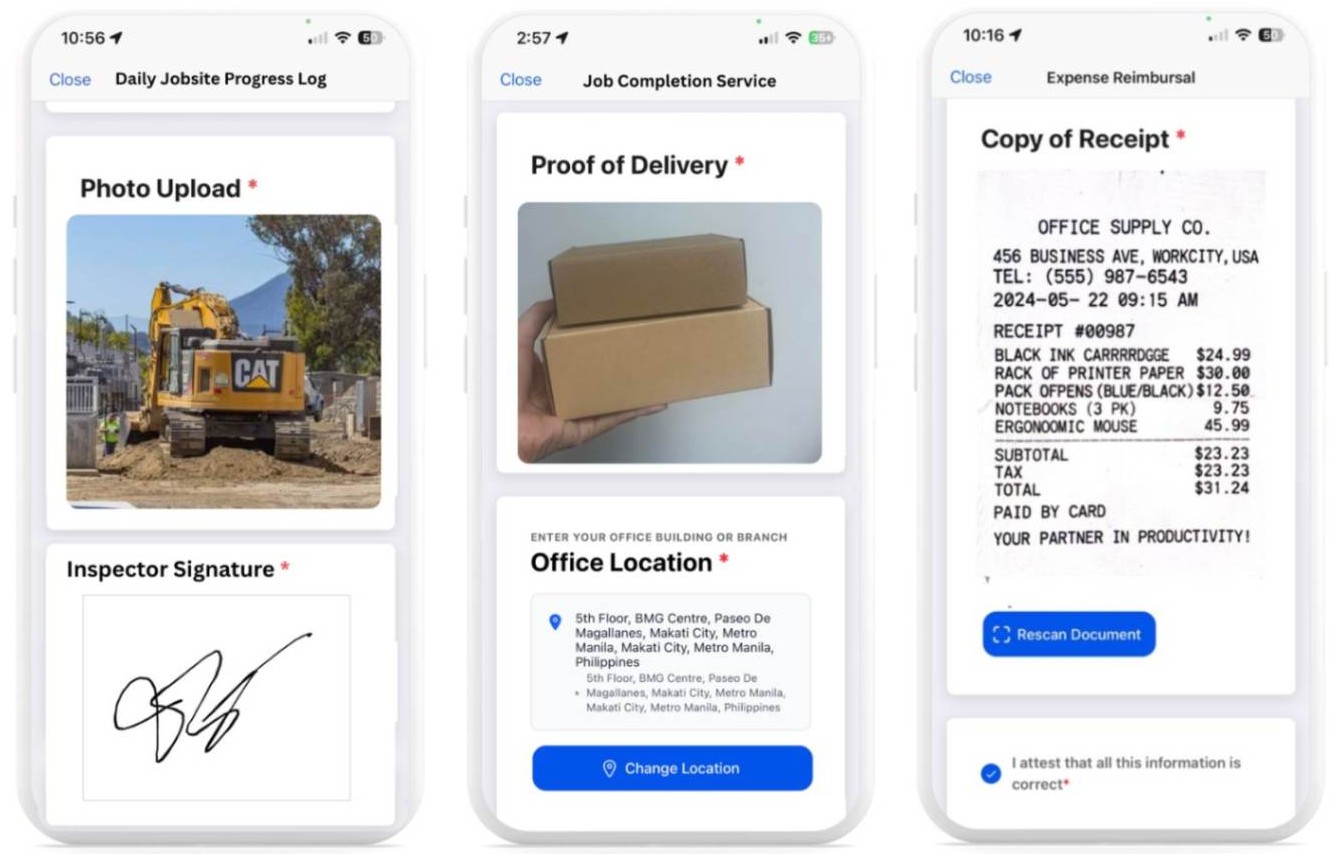
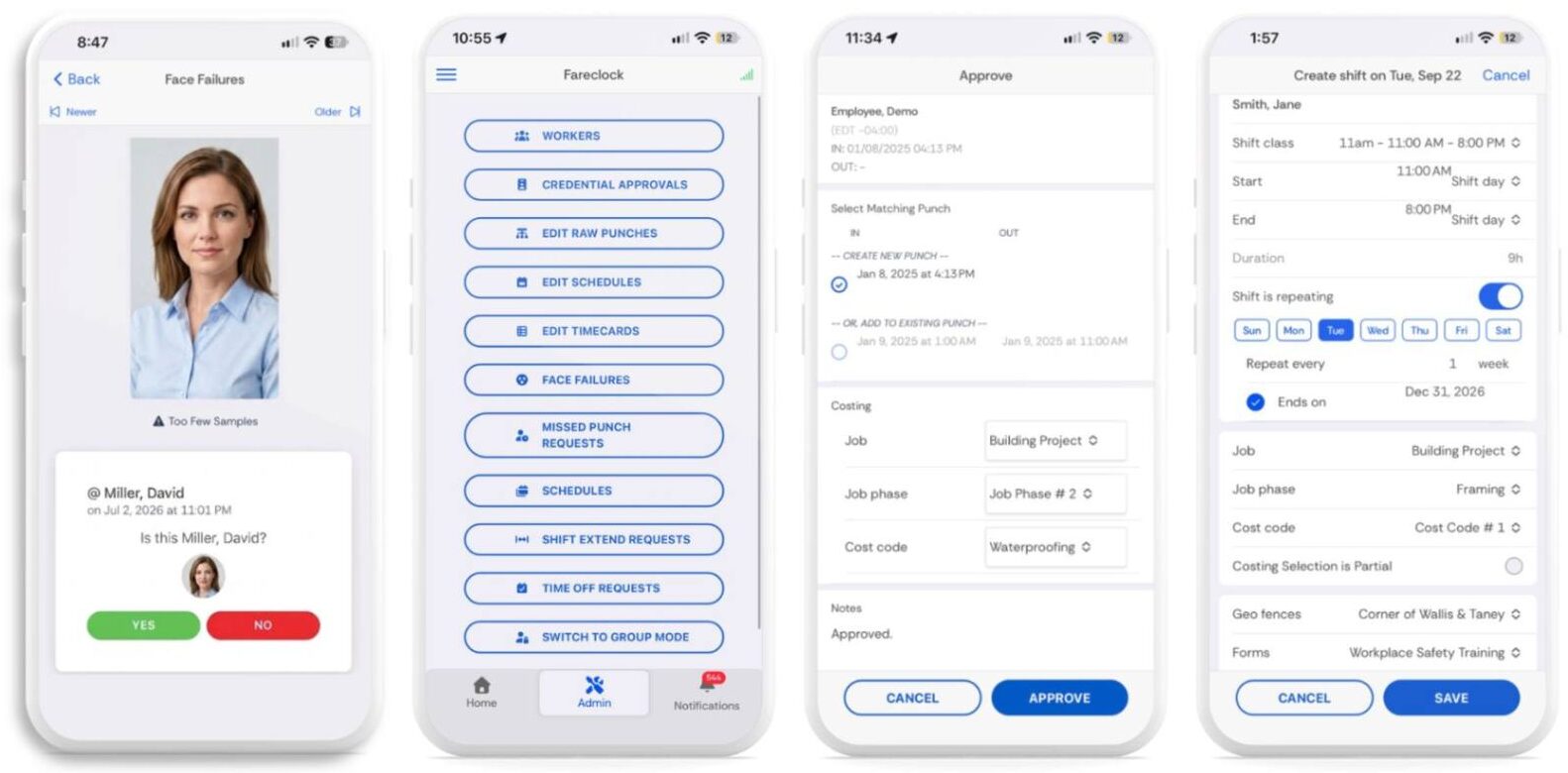
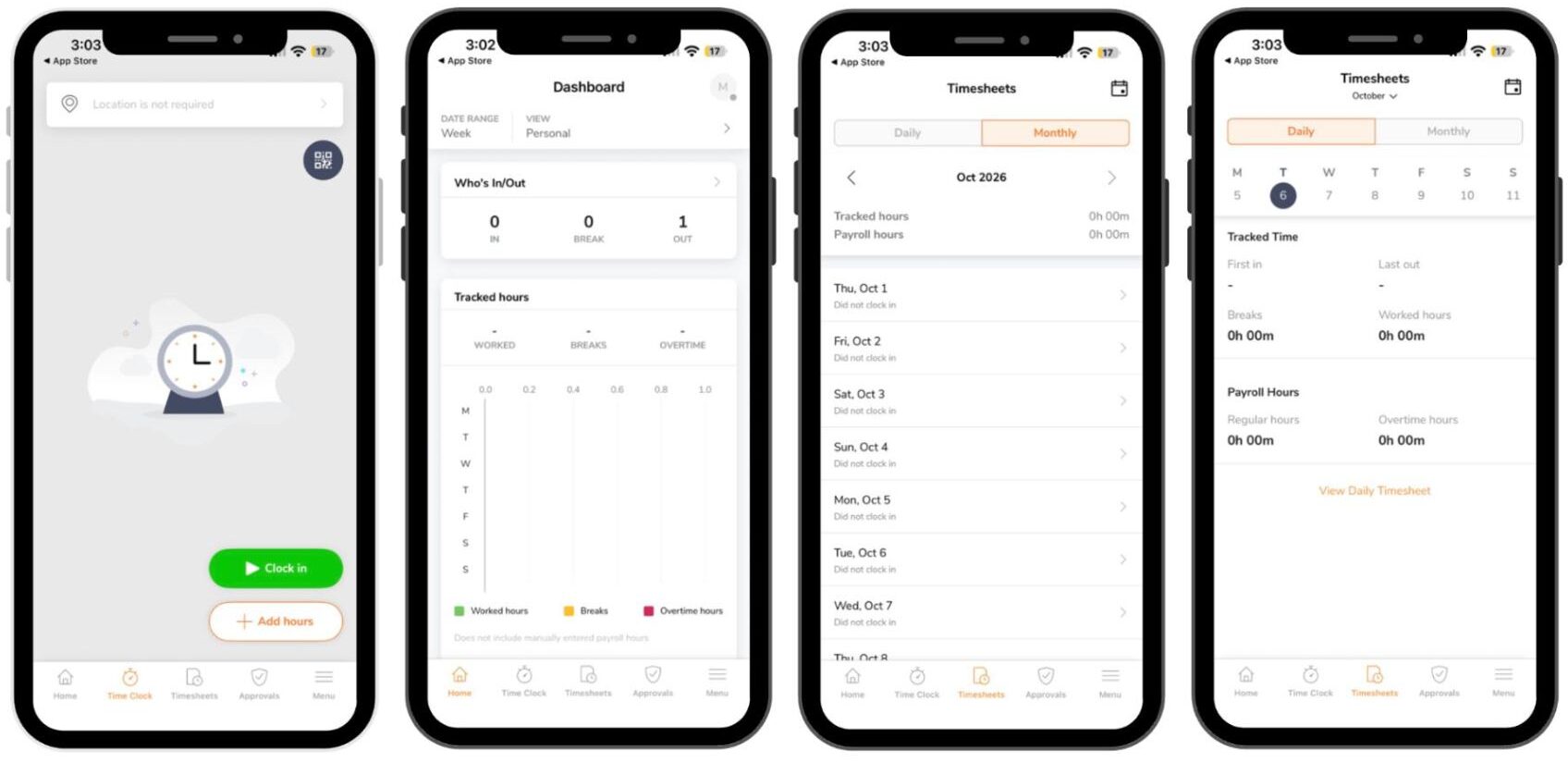
  • Fareclock: Best for businesses that prioritize secure employee verification, GPS-based attendance, and mobile workforce management. Its facial recognition, geofencing, offline tracking, and administrative approval tools make it worth considering for both on-site and field-based teams.
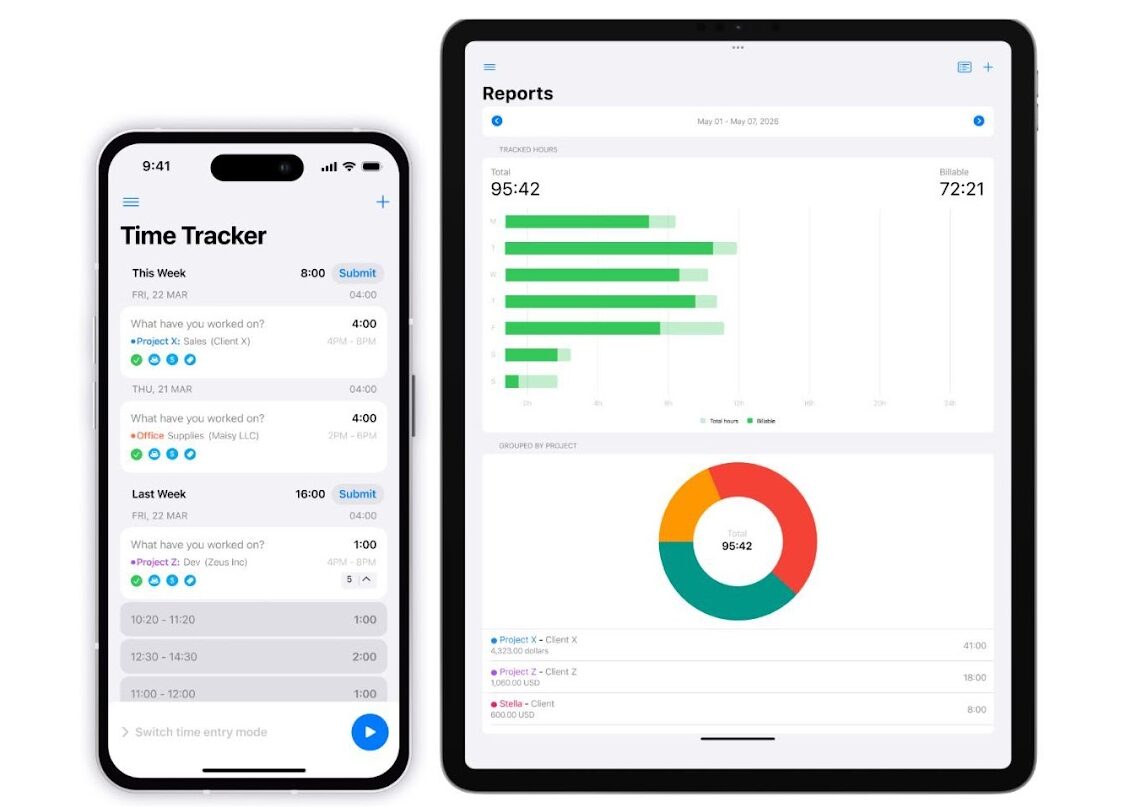
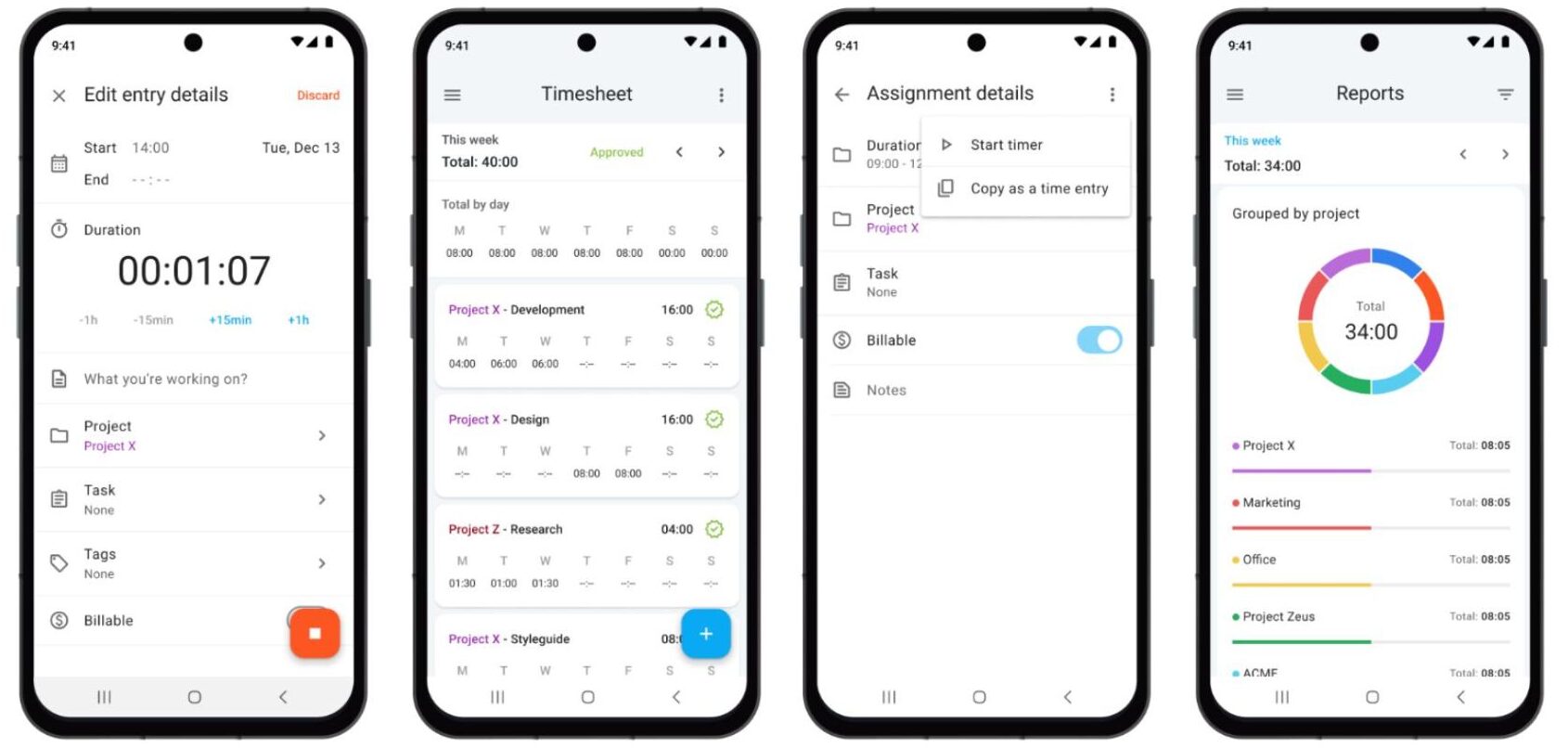
  • Clockify: Helpful for freelancers and project-based teams that need to track billable hours, organize work across projects, and review time entries.
  • Buddy Punch: Good for hourly workforces that need employee scheduling, attendance monitoring, time-off requests, and payroll preparation.
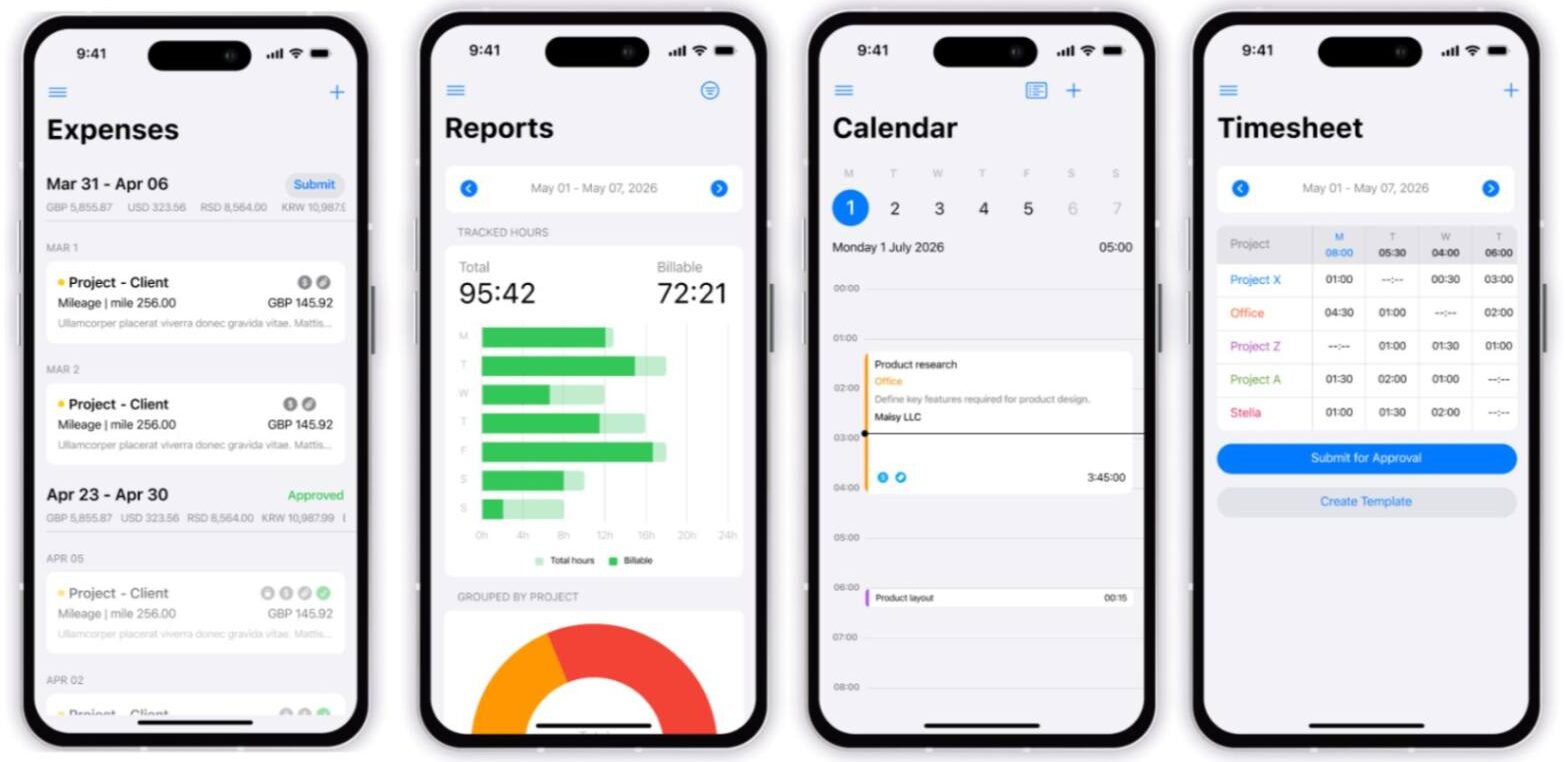
  • Jibble: For businesses looking for GPS-enabled attendance tracking, facial verification, and automated timesheets, with a free plan available.
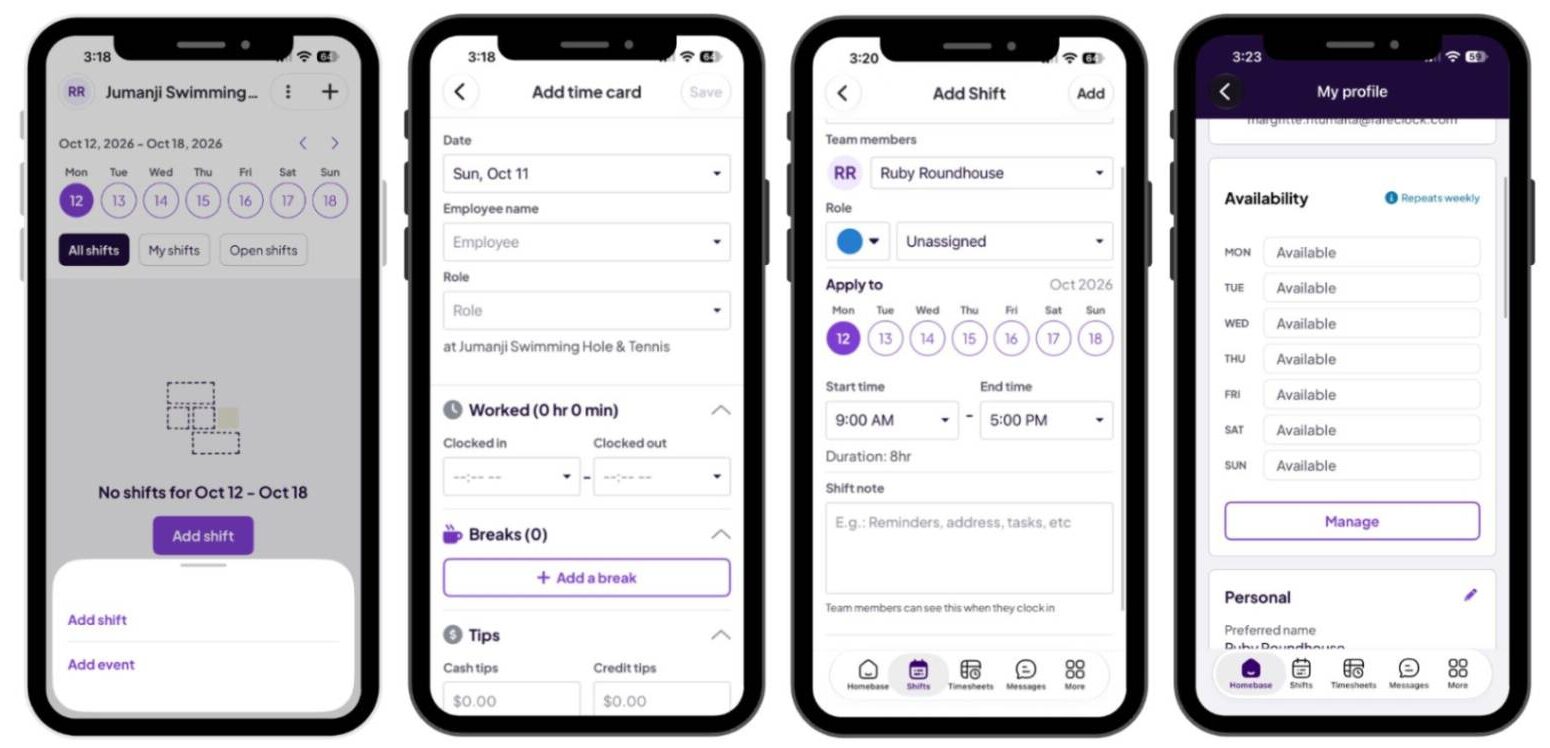
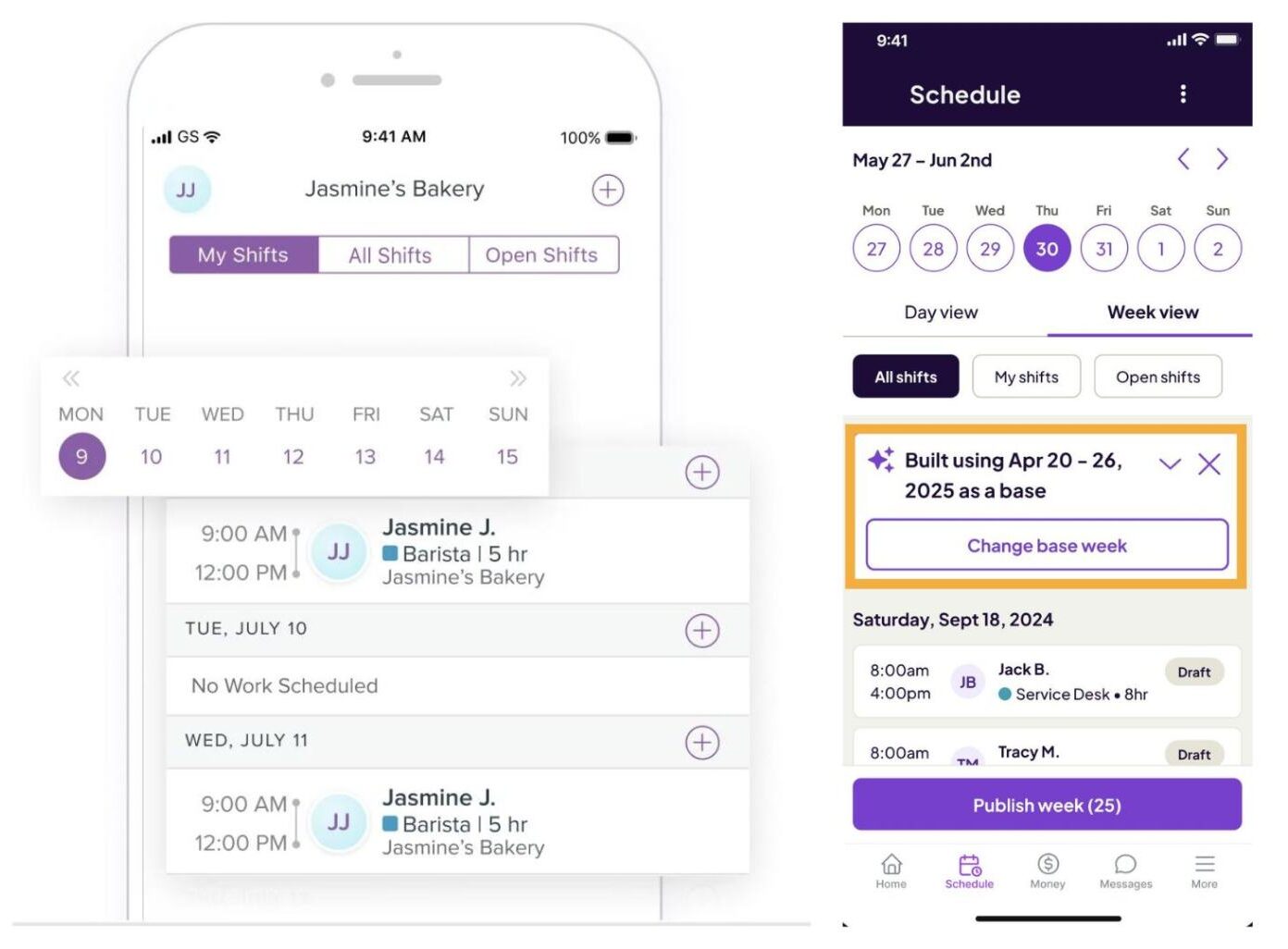
  • Homebase: For small businesses with hourly employees that need shift scheduling, team communication, and labor management in one app.
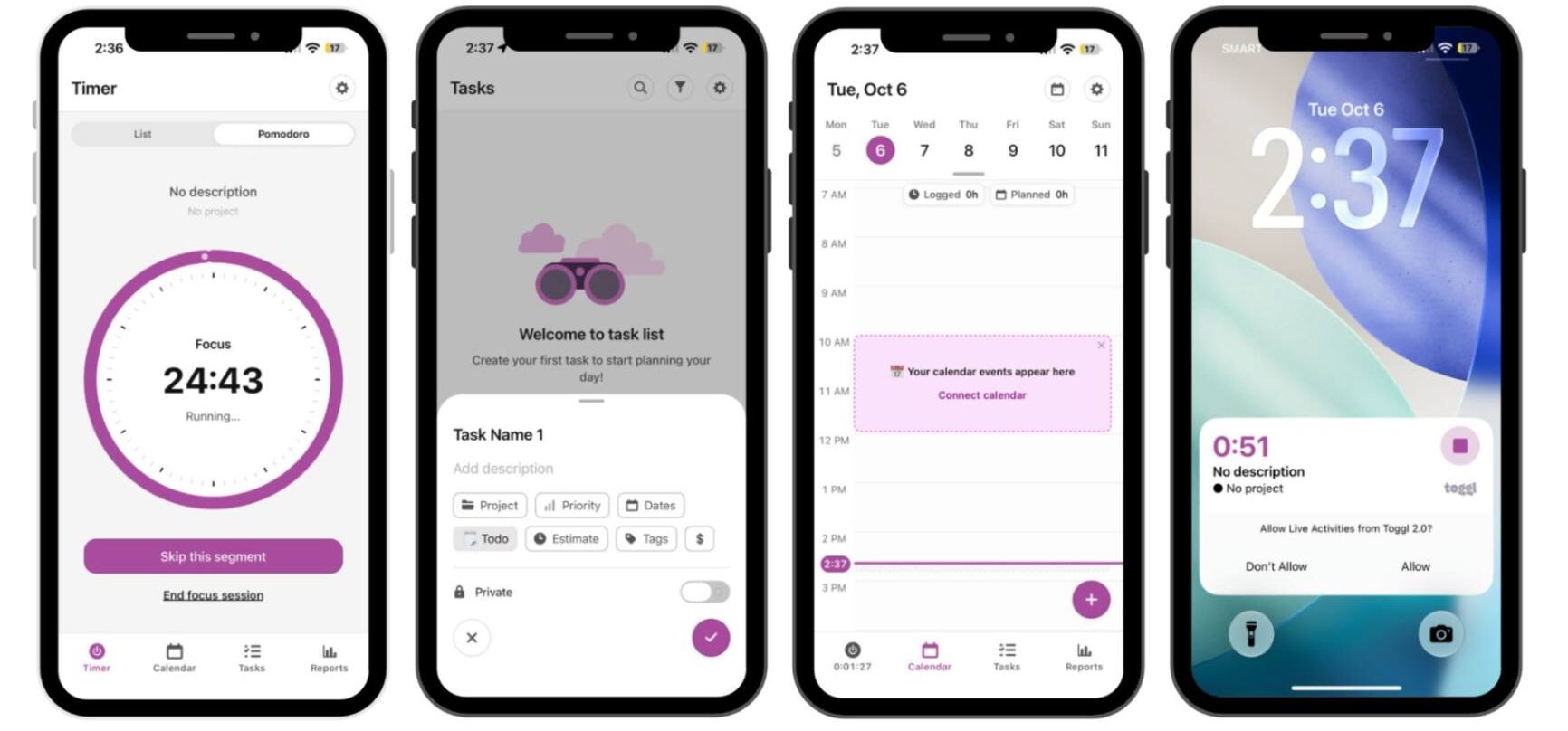
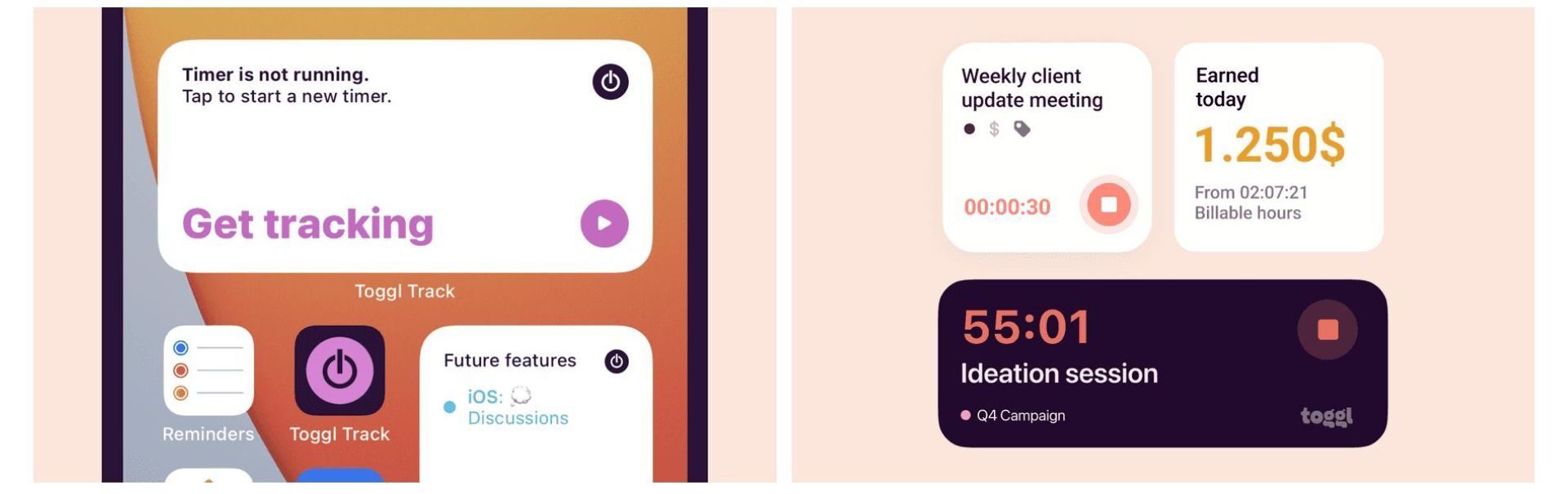
  • Toggl Track: Useful for freelancers and project teams that want straightforward time tracking, productivity insights, and billable-hour reporting.

Ideally, business owners, managers, and supervisors should consider beyond simply tracking work hours. The time clock solution should also support whether employees will clock in at a fixed workplace or work across multiple job sites. This explains why evaluating offline functionality, location controls, employee verification, approval workflows, and pricing is important as your workforce grows.

While all the time clock apps mentioned above offer useful features, Fareclock stands out as the mobile time clock solution for businesses that need advanced employee identity verification with attendance management in a mobile app, all at a very affordable price!

Ready to see how Fareclock can work for your team? Contact Fareclock to discuss your requirements, or start your free trial to explore its mobile time clock features firsthand.

FAQ

What is the best time clock app for employees?

Fareclock is worth considering for employee verification and location-based attendance, Clockify and Toggl Track suit project-based time tracking, Buddy Punch supports hourly workforce management, Jibble combines attendance tracking with facial verification, and Homebase focuses on scheduling and managing hourly teams.

Are there free employee time clock apps?

Yes. Clockify, Jibble, Homebase, and Toggl Track offer free plans, although their available features and usage limits differ. Review each provider’s current plan details to determine whether the free version meets your team’s requirements.

Can employees clock in and out using their phones?

Yes. The apps covered in this comparison provide mobile time-tracking or attendance functionality, though supported clock-in methods vary. Depending on the app and plan, employees may be able to use timers, PINs, QR codes, facial verification, or GPS-enabled clock-ins.

Do time clock apps work without an internet connection?

Some time clock apps like Fareclock support offline time tracking and synchronize recorded entries when connectivity returns. Offline functionality varies by product and feature, so confirm whether the specific clock-in methods and administrative workflows your business needs will work without an internet connection.