





Forms

Build, customize, and manage digital forms with Fareclock to capture real-time data you need from your team, right from their mobile devices.

img form banner
sc2 img fareclock forms

Fareclock Forms: The Advanced Solution to Data Collection and Workflow Management

Level up your operational control with Fareclock Forms. Say goodbye to paper-based workflows, fragmented data, and manual entry, and hello to a paper-free integrated solution that captures critical business information and essential company documents directly within the Fareclock app.

Fareclock Forms allows businesses and organizations to design custom forms that employees can fill out at precise moments during their shift — whether at clock-in, clock-out, or at any point in between. This means teams can now connect their operations with unparalleled accuracy.

Key Benefits of Forms for Your Business

Simplify and automate how your teams capture, manage, and track data.

Fareclock Forms: Designed for Ease, Built for Accuracy

Effortless form creation for any business need.

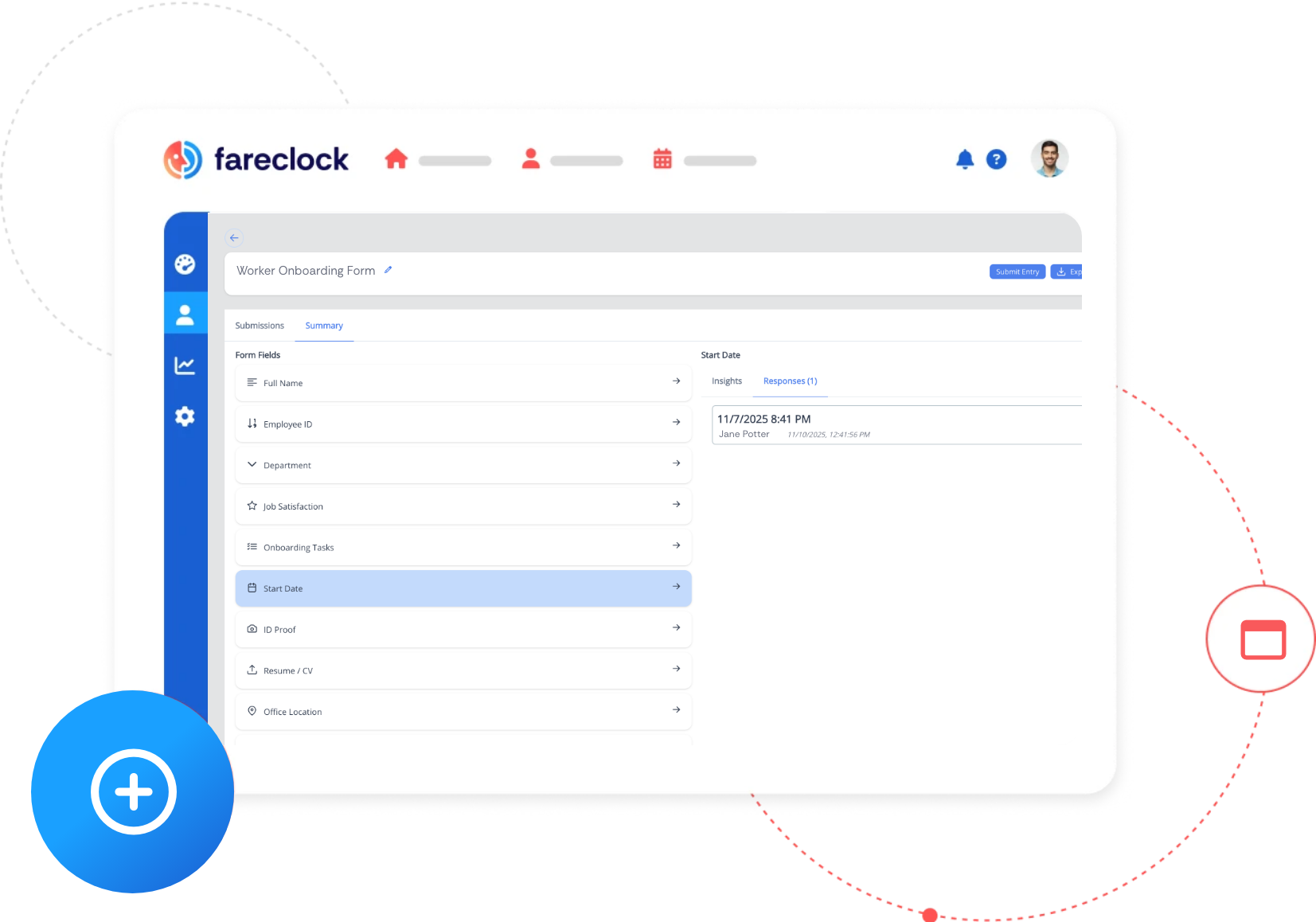
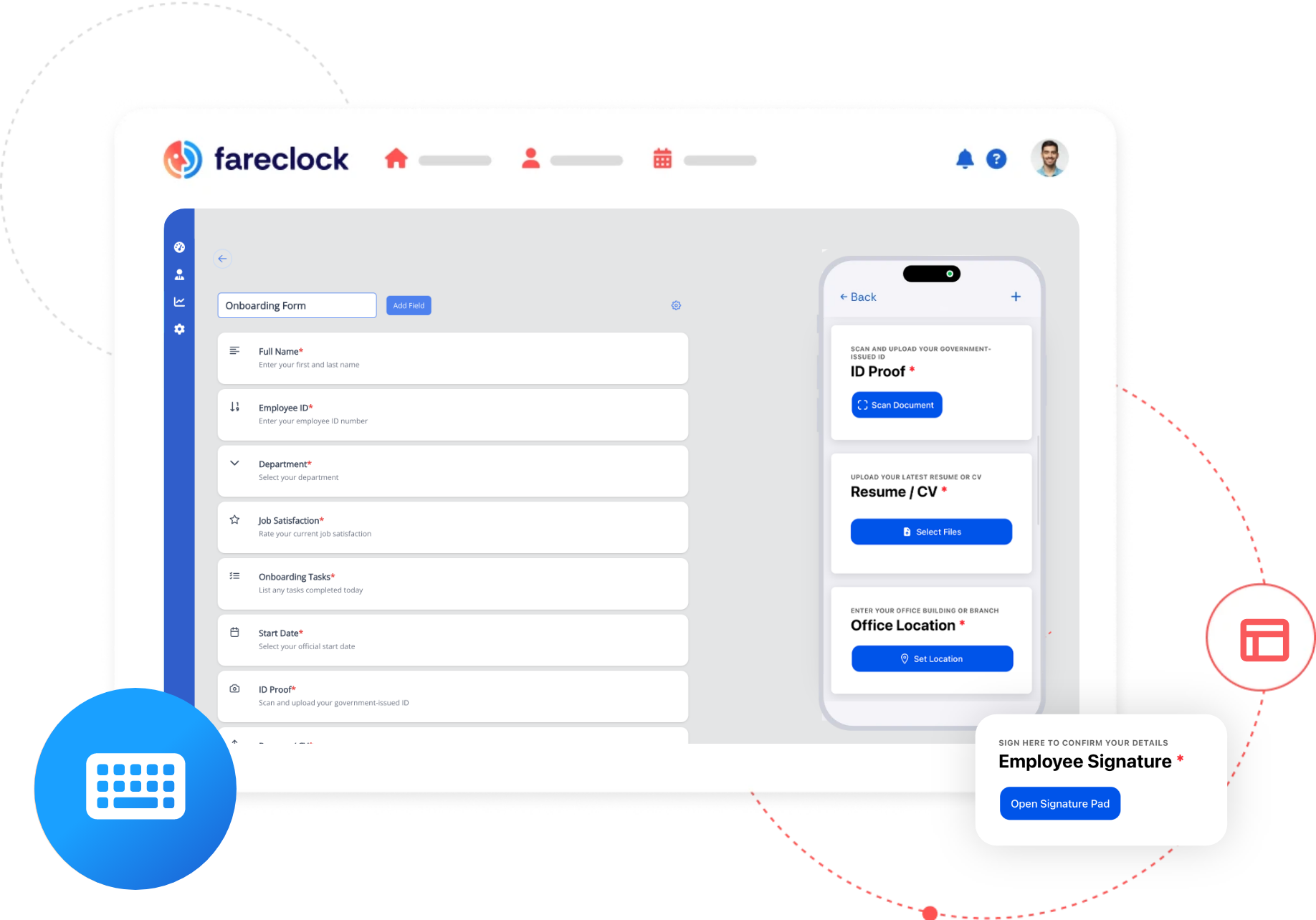
Design professional, custom forms in minutes with an intuitive drag-and-drop form builder. No coding required. Simply configure data fields to match your exact data collection requirements.

img effortless form creation

Unique forms for every task and team.

Easily develop, save, and deploy multiple form templates to the right employee at the right time - whether it’s for daily checklists, incident reports, onboarding, or more.

Field Inspections

Log maintenance checks, capture photos, and verify equipment condition before or after shifts.

Worker Onboarding

Collect new-hire info, signatures, and acknowledgments in one complete, digital workflow.

Incident Reporting

Report workplace events with instant proof, precise timestamps, and exact location data.

Standardized Safety Checks

Ensure pre-shift safety tasks and mandatory equipment checklists are completed correctly.

Expense Reimbursements

Employees submit receipts and categorize expenses instantly for proper liquidation and tracking.

Proof of Job Completion

Record received goods, attach invoices, or collect client sign-offs after service completion or product delivery.

Document Acknowledgment

Share instructions, links, and videos, followed by required digital sign-offs to confirm comprehension.

Mandatory Training

Provide training videos and policies, track review time, and collect required digital signatures to verify staff compliance.

Capture diverse data with robust field types.

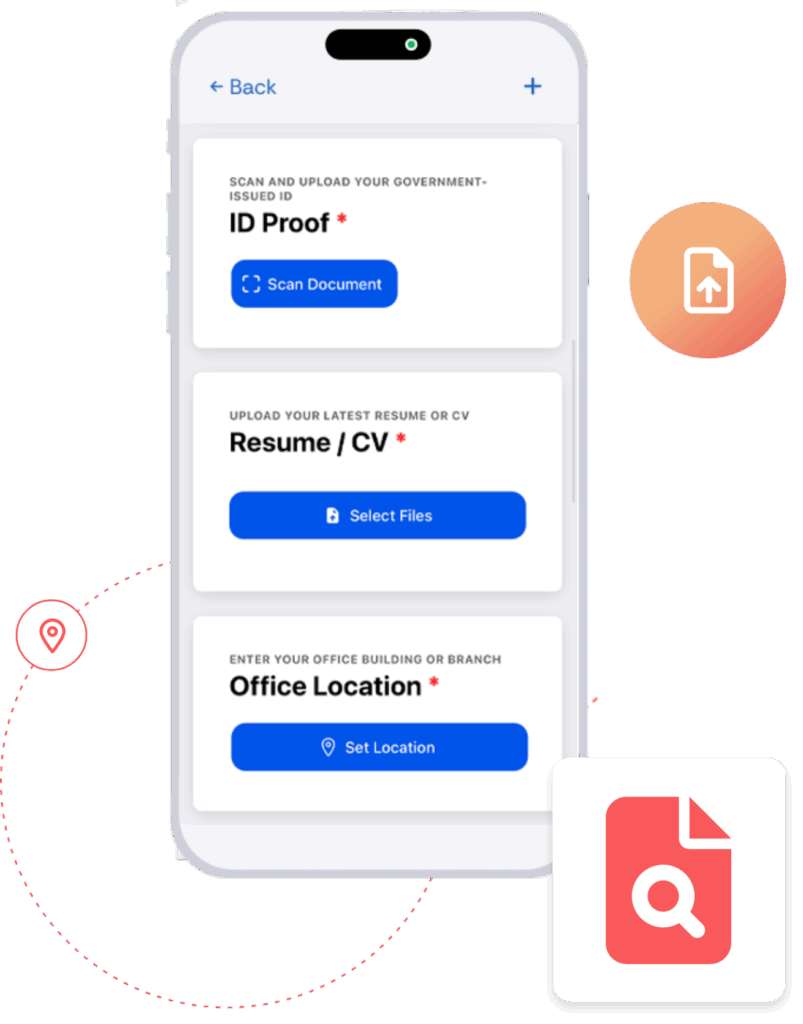
A comprehensive suite of form field options are available to ensure you collect rich, detailed, and accurate information.

Fields

ic align center

Text Field

ic arrow down 1 9

Number Field

ic angle down

Select Field

ic star

Rating

ic list check

Task

ic calendar

Date / Time

ic camera

Document Scanner

ic upload

File Upload

ic Map marker alt

Location

ic circle info

Description

ic check circle

Yes / No

ic pen

Signature

ic microphone

Audio Recorder

ic image

Image

ic video

Video

ic calculator

Formula

img diverse data
img multiple form entries

Submit multiple form entries on mobile.

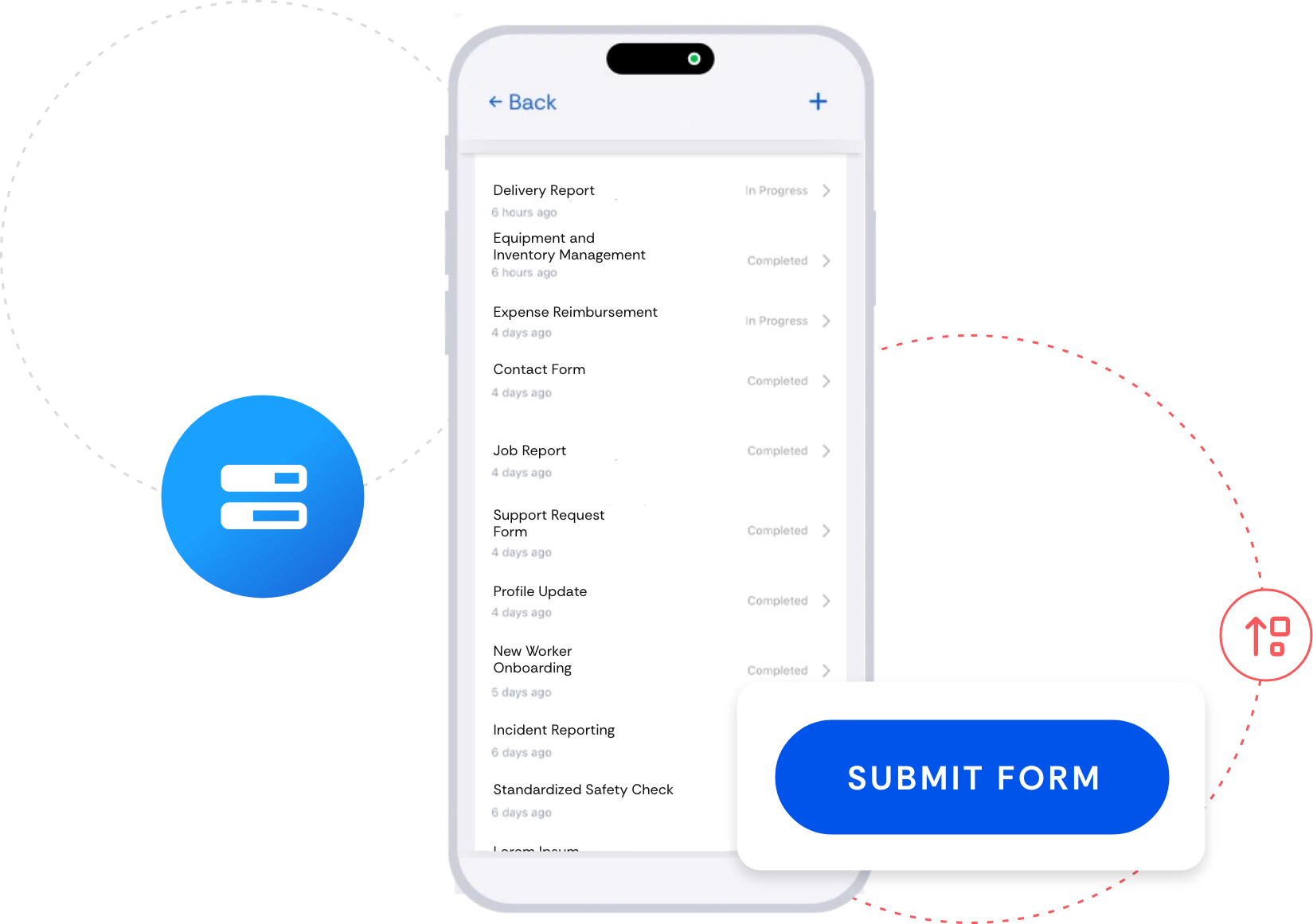
Employees can quickly and efficiently complete and submit multiple form entries directly from their mobile device.

Achieve immediate clarity from your collected data.

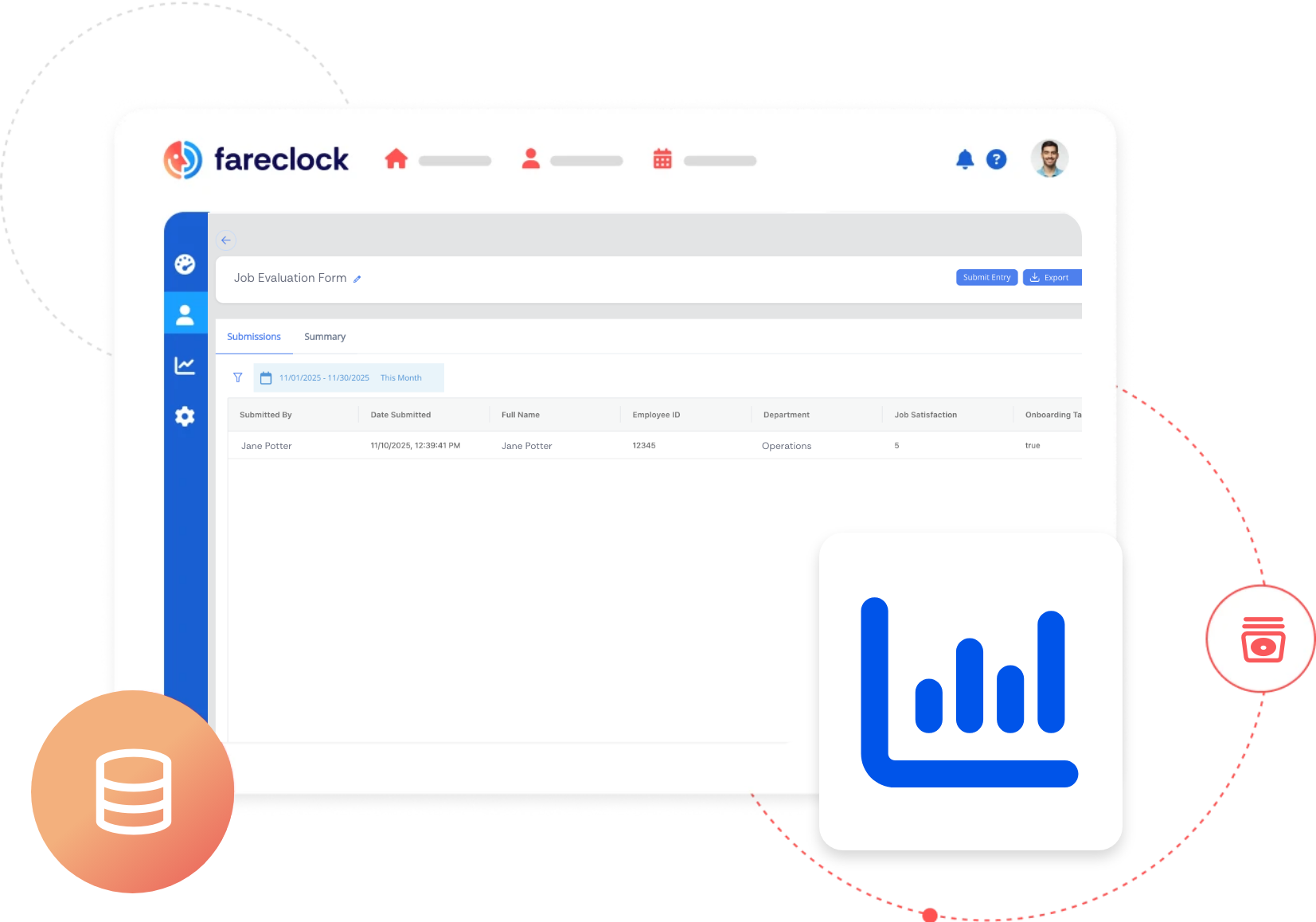
View form entry responses on the Fareclock dashboard to gain actionable insights and make informed decisions faster.

img immediate clarify
img data management

Flexible data management for reporting.

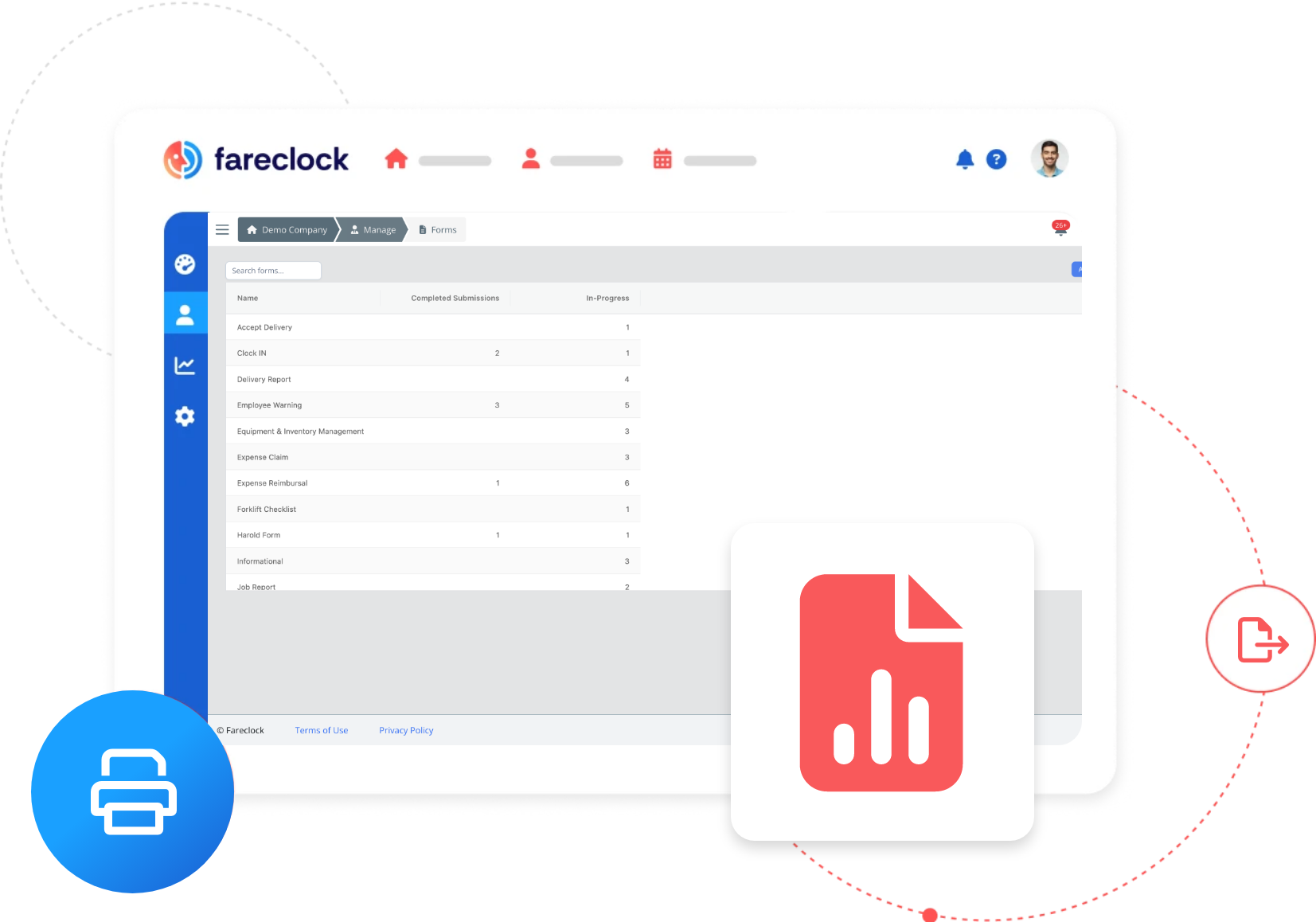
Export and print collected form data in various formats for record-keeping and hard-copy requirements.

How to Get Started with Fareclock’s Digital Forms.

Automate your data collection in these simple steps:

ic number 1

Create Forms on the Admin Console

Access the Form Builder in the admin console to design custom forms using various field options.

ic number 2

Save, Assign, and Deploy

Save your form template and assign it to specific worker policies, shifts, shift classes, or jobs.

ic number 3

Submit Entries on Mobile

Employees can fill-in and submit available forms easily on their mobile device.

ic number 4

Review Insights and Responses

Managers can view and analyze all submitted form responses in real-time on the Fareclock console.
How Businesses Achieve Smart Data Management with Fareclock

Unlocking Potential:

Hear our client's story of growth and achievement with Fareclock

Ready to revolutionize your data collection and workflows? Use Fareclock Forms!

It's time to retire from paper forms and error-prone spreadsheets. Fareclock's Forms feature gives you the power to instantly digitize and automate custom forms that link every entry to a precise time, date, and location. Achieve real-time visibility into your operations and ensure airtight accountability across your workforce!